Fixing "A problem repeatedly occurred" crash in iOS Safari
Tue Jan 06 2026
This problem has bugged me for a very long time… Now I finally found the way to diagnose and fix it.
Issue
I’ve kept bumping into situations where I’d get “a problem repeatedly occurred” error after site crashing on iOS Safari (iPhone 15), but couldn’t reliabily reproduce the issue. Sometimes it works if I scroll slowly, sometimes it’s completely fine on my phone but crashes for others. It also doesn’t show any error log in the console, making it really difficult to track even with tools like Sentry.
One day I stumble on this StackOverflow article stating that it was due to GPU usage spikes, I thought the problem was my page has too many images. (it turns out the best answer is very helpful in the end)
However, after diagnosing for issues such as “too many images”, “images to big”, none of them work. I even stripped out all images on a problematic page, Safari still crashes.
Cause
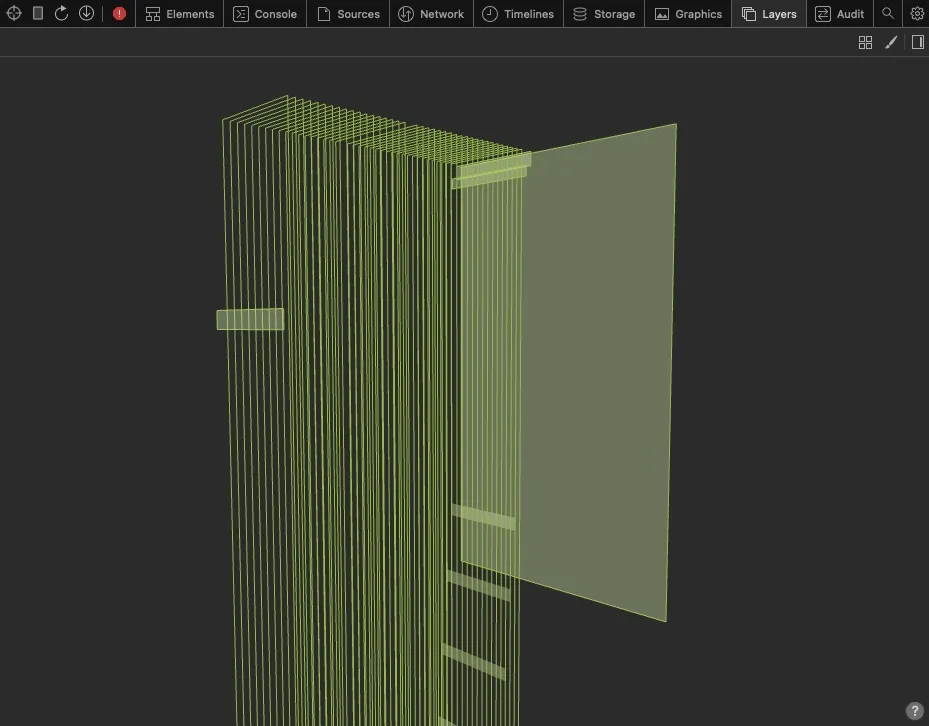
I then connect my phone to my laptop and open up remote Safari inspect panel, in the “Layers” tab, I can see that the problematic page has way too many layers. This is due to my page has about 40 elements that has display: sticky CSS property set: Each sticky element’s position has to be computed separately, thus the GPU usage spike letting Safari kill the page.
Fix
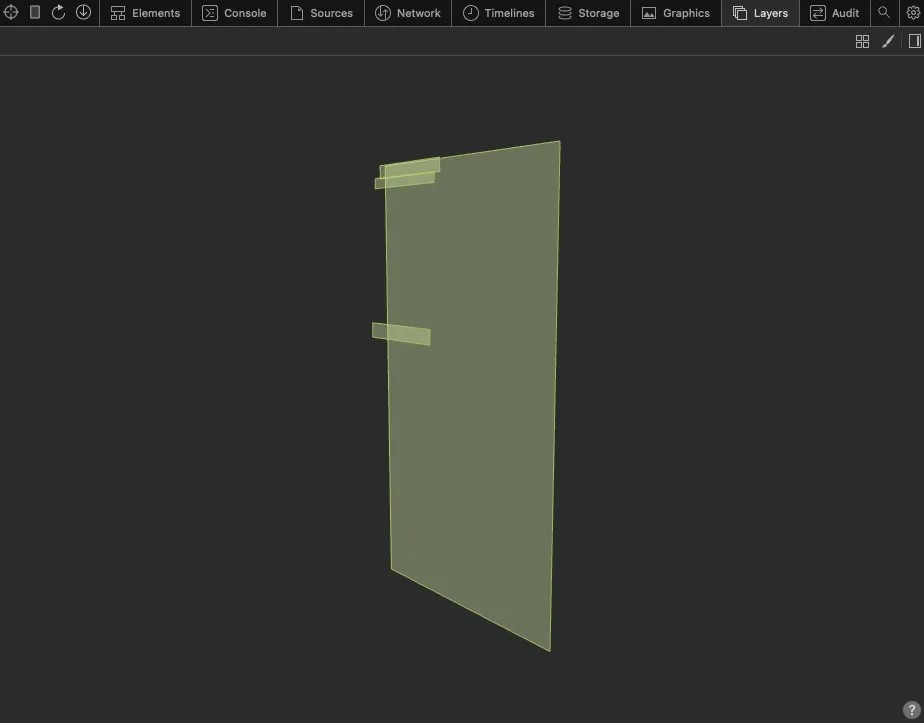
I end up implementing a conditional sticky in React to fix this problem: Use Intersection Observer or useInView to detect whether the parent element of the stick element is in view. Only apply sticky property when the element is in view, so Safari won’t have to keep track of all sticky elements’ position right after page loads.
// Example

export function Component() {
  const ref = useRef(null)
  const isInView = useInView(ref)

  return (
    <div ref={ref} className="relative">
      <header className={isInView && 'sticky'}></header>
    </div>
  )
}